


Detalhes da atualização de 09/07/2020
2020.07.09 - 
[DIVERSOS]
— O CS:GO exibirá um erro caso seja iniciado fora do Steam.
— Correção de caso em que jogadores no modo confiável enfrentavam problemas com a taxa de quadros do jogo, causado por certos aplicativos de terceiros.


Modo confiável
2020.07.08 -
Hoje, estamos lançando algumas alterações no CS:GO que são parte do nosso constante combate contra trapaças.
Agora, o CS:GO restringe significantemente os tipos de programas e arquivos que podem interagir com o jogo.
Por padrão, jogadores iniciarão o CS:GO no modo confiável, que bloqueia a interação de arquivos de terceiros com o jogo.
Caso deseje jogar usando softwares de terceiros que interajam com o CS:GO, use a opção de inicialização “-untrusted”. Observe que, neste caso, o seu grau de integridade pode ser afetado negativamente.
.
Interacting with CS:GO
2020.06.26 -
Today we’re shipping an optional beta branch of CS:GO with changes that are part of our continuing fight against cheating. To help out, you can opt in to the beta by following the instructions here.
CS:GO now significantly restricts the types of programs and files that can interact with the game.
In the unlikely event that you launch the game with incompatible files, you will receive a warning indicating the incompatible file and may be blocked from joining VAC-enabled servers. To resolve the issue, you can disable the ‘Trusted Launch’ in your game settings, however this may temporarily impact your trust score.
For developers of third-party programs that interact directly with the CS:GO executable process, we have added requirements that will impact your software. Moving forward, all DLLs that interact with CS:GO will need to be digitally signed with an Authenticode signature. Additionally, we will block signed DLLs if their functionality interferes with the game in any way.
All for Dust
2020.06.22 -
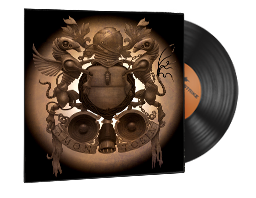
Uma nova trilha sonora de Amon Tobin, “All for Dust”, já está disponível! Do produtor da trilha sonora do jogo “Splinter Cell: Chaos Theory OST”, Amon Tobin empresta a sua estética única ao CS:GO… desta vez, por amplificadores de tubo.
Tire a poeira desta trilha sonora, boa sorte e divirta-se!
Enemy Spotted
2020.06.10 -
Since CS:GO’s release in 2012, some of the most common feedback we’ve received has been about the challenge of spotting characters in the world. Because every map in the game features significant variety of lighting and detail, even characters designed to read well in a map might get lost when viewed from a particular angle in a particular location.
We’ll continue to address feedback about specific problem spots by making adjustments to maps, but today we’re also shipping several new improvements to the way characters are rendered.
Boosting Player Contrast
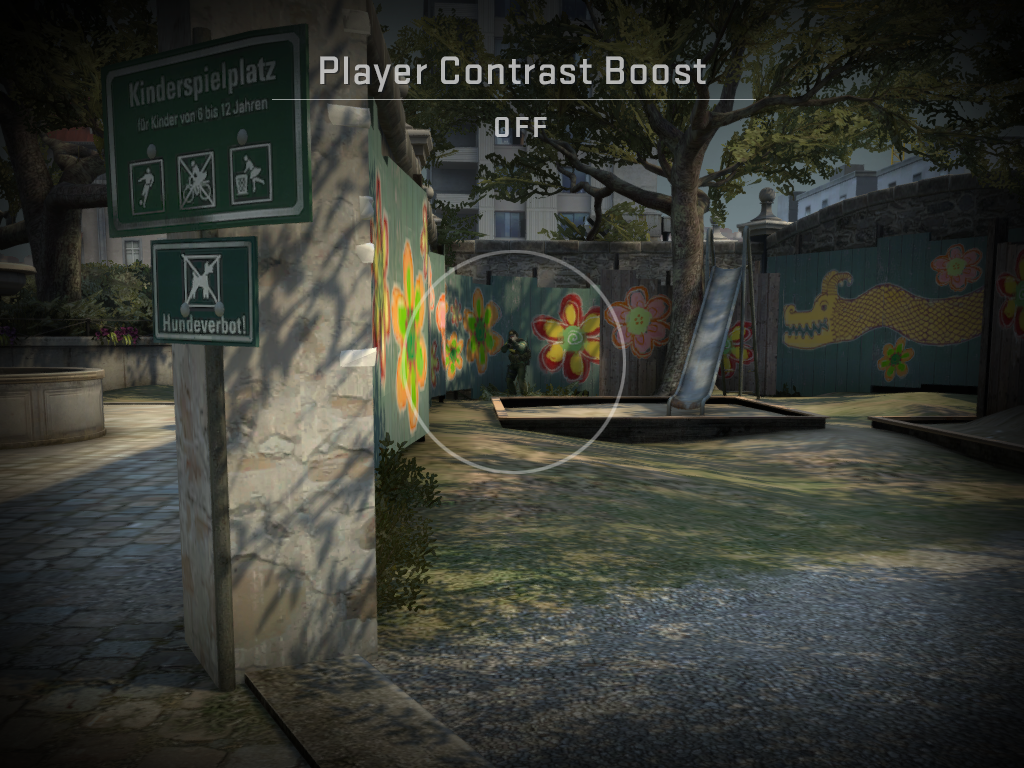
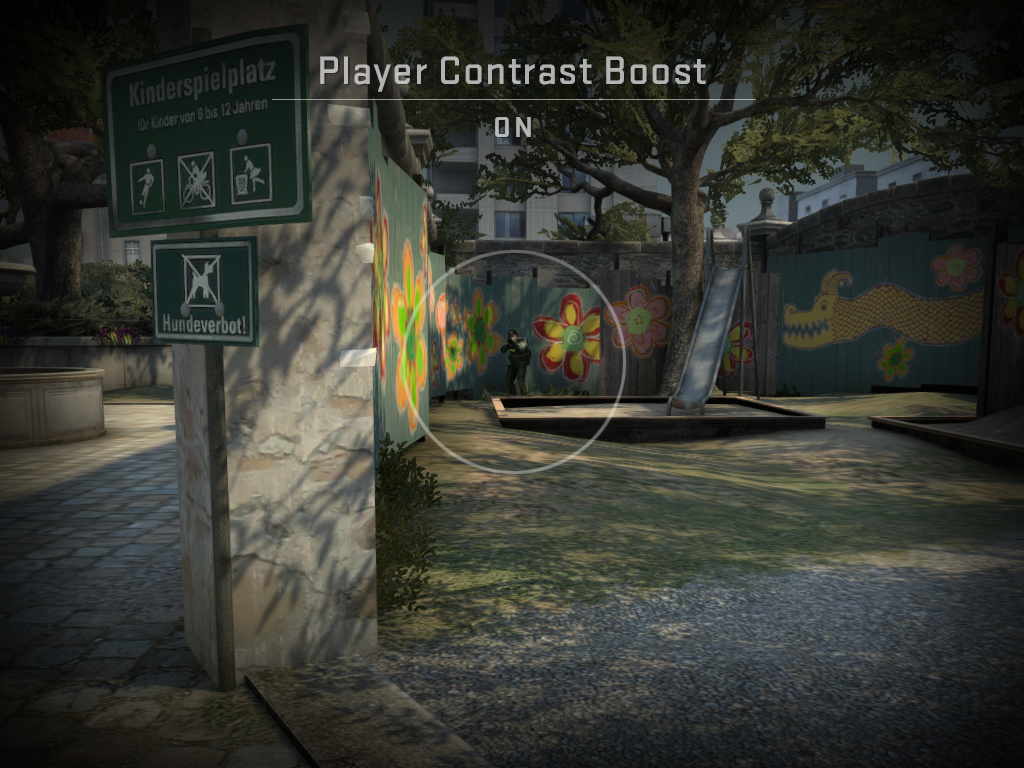
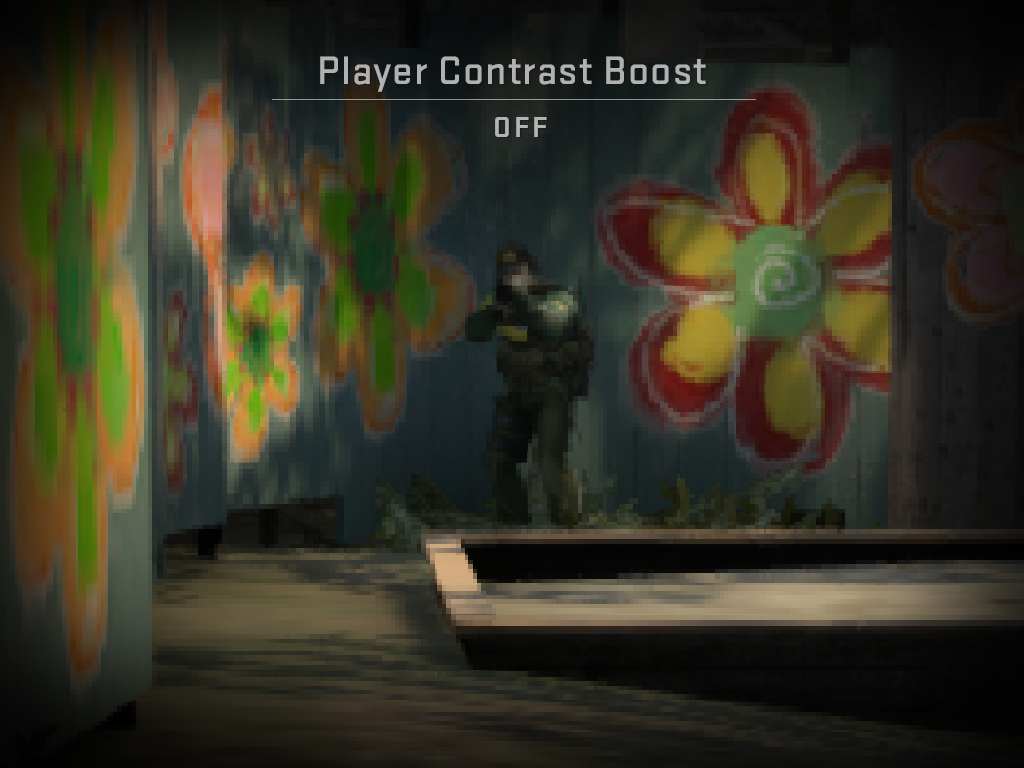
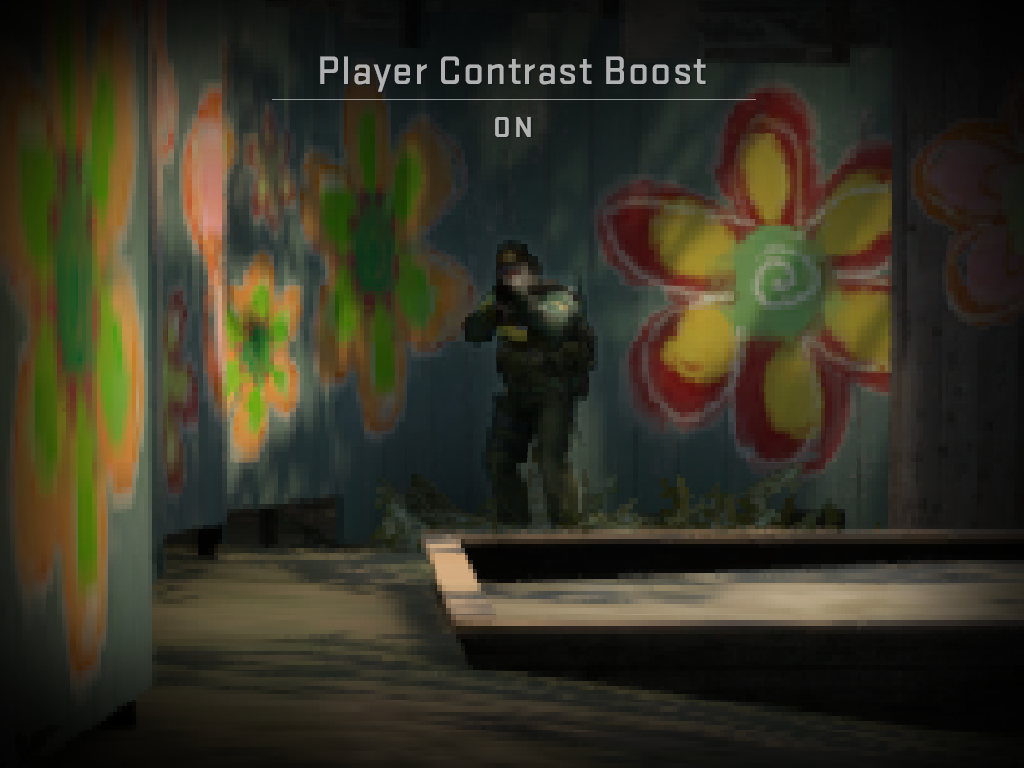
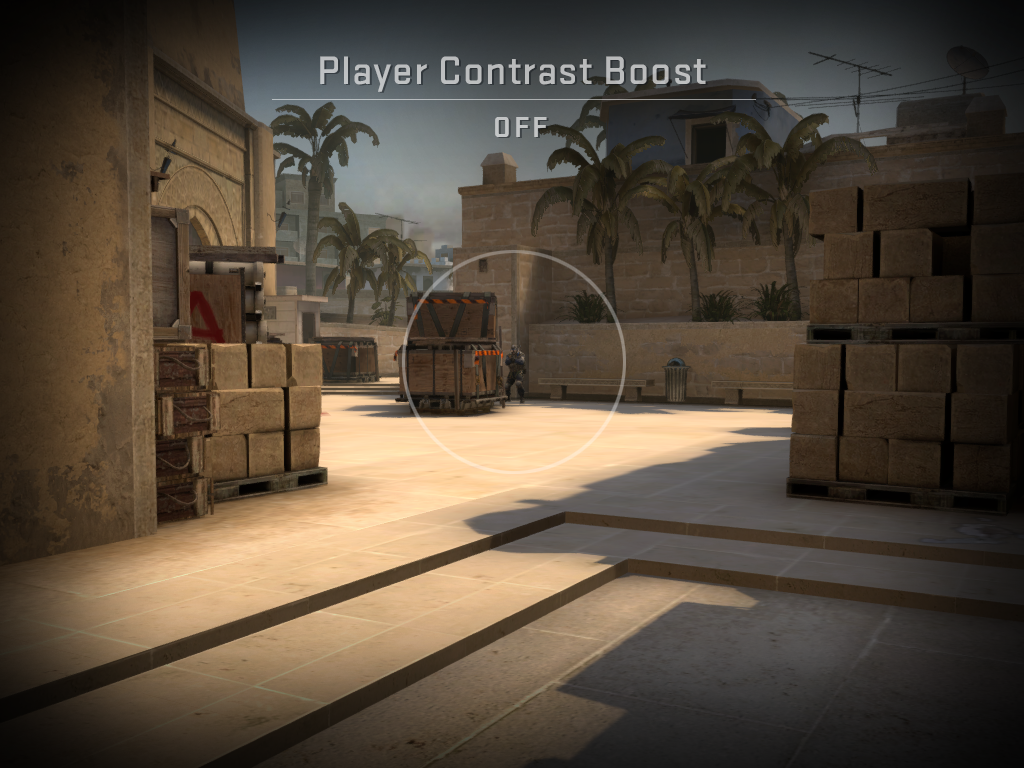
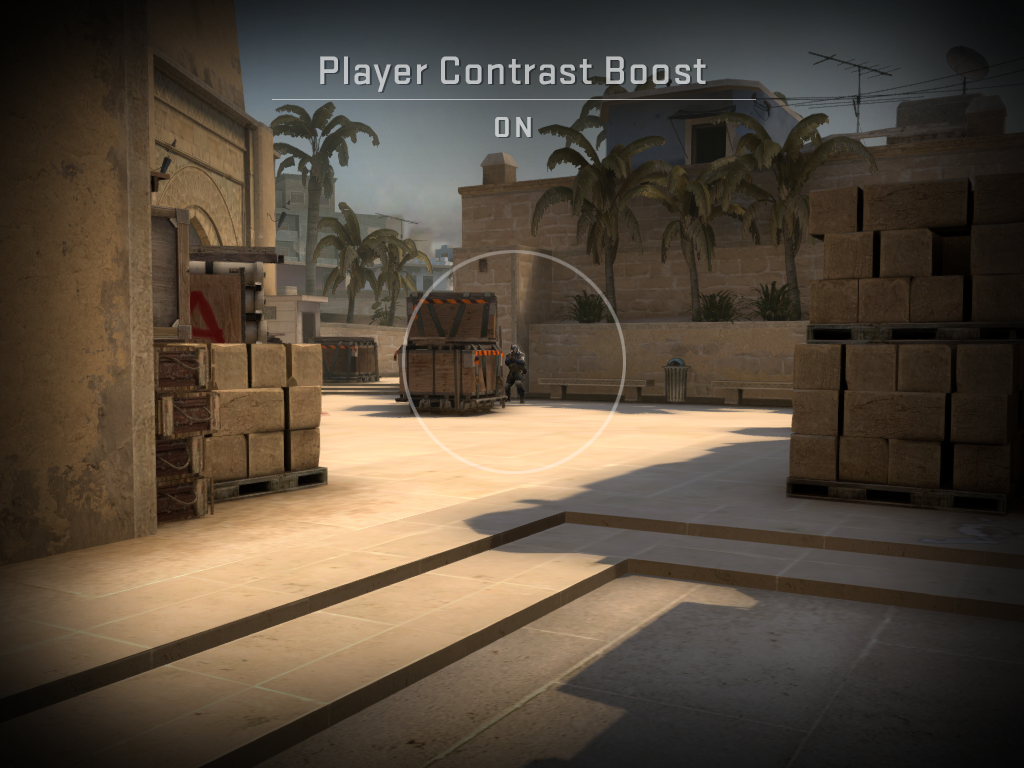
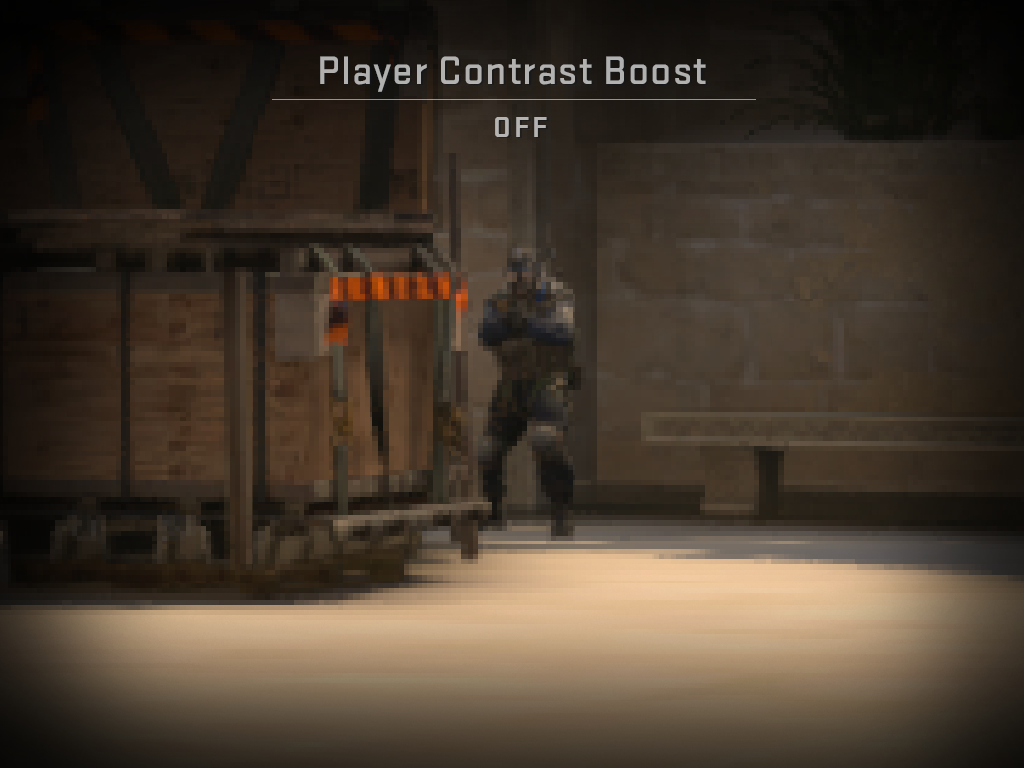
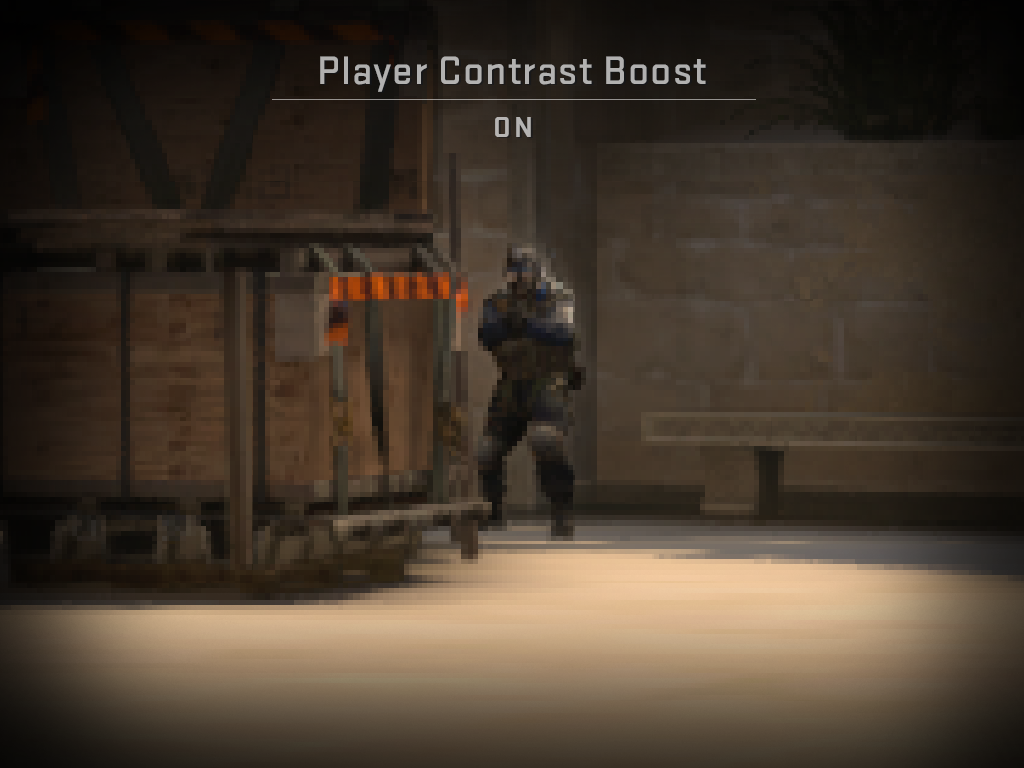
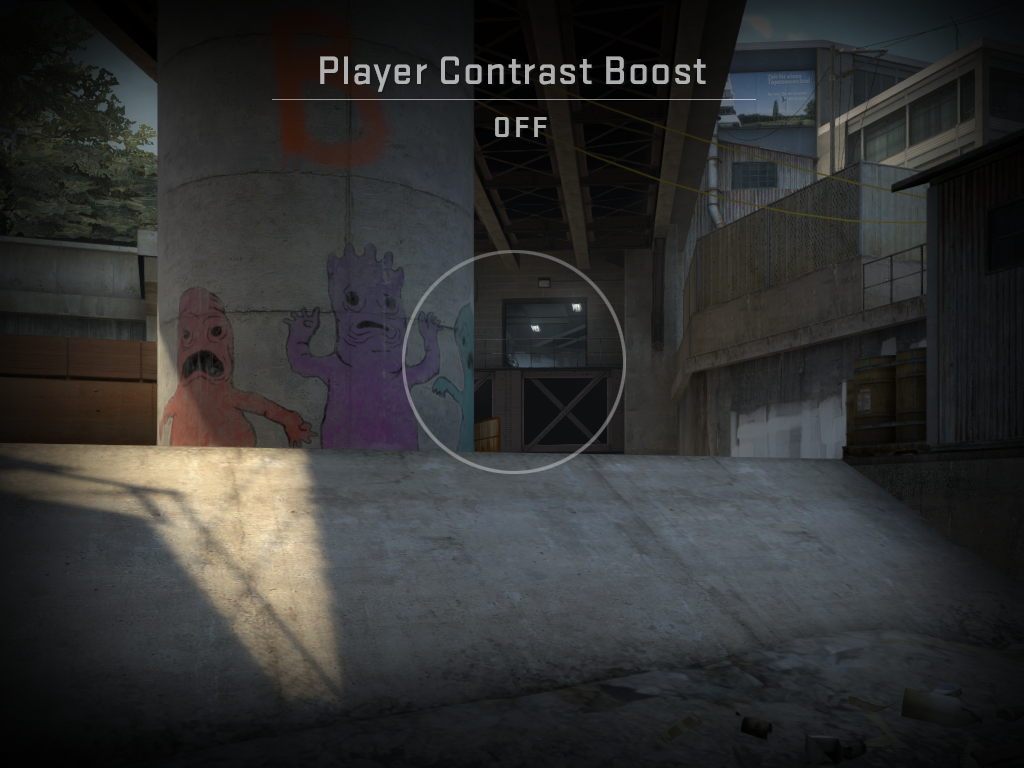
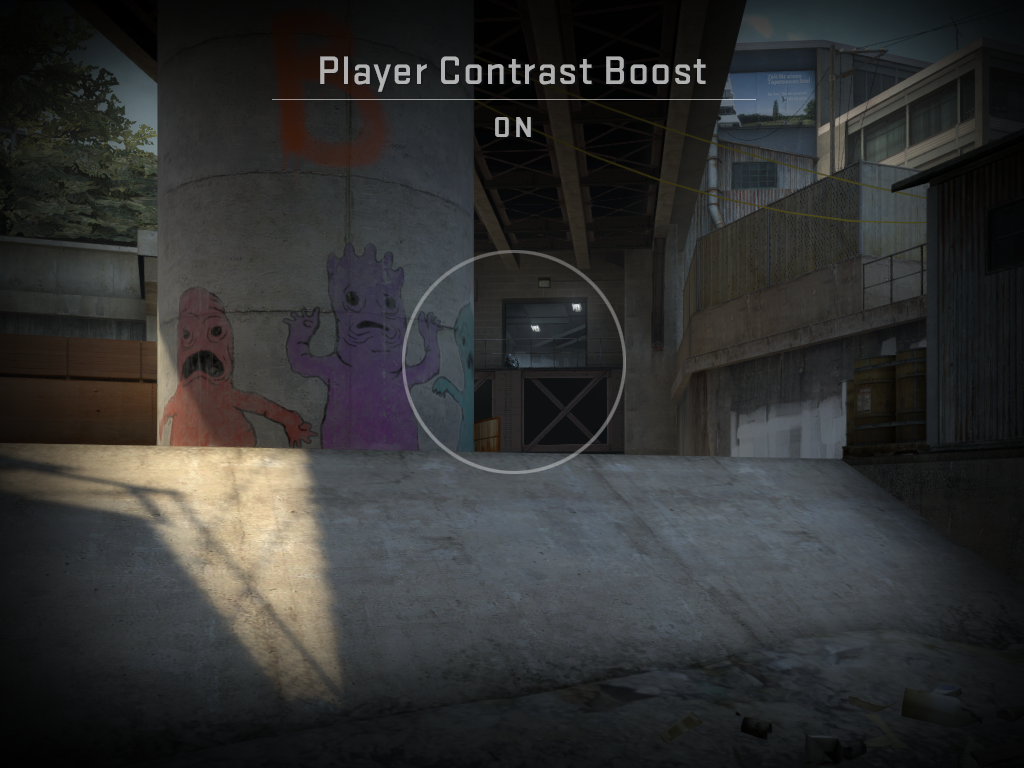
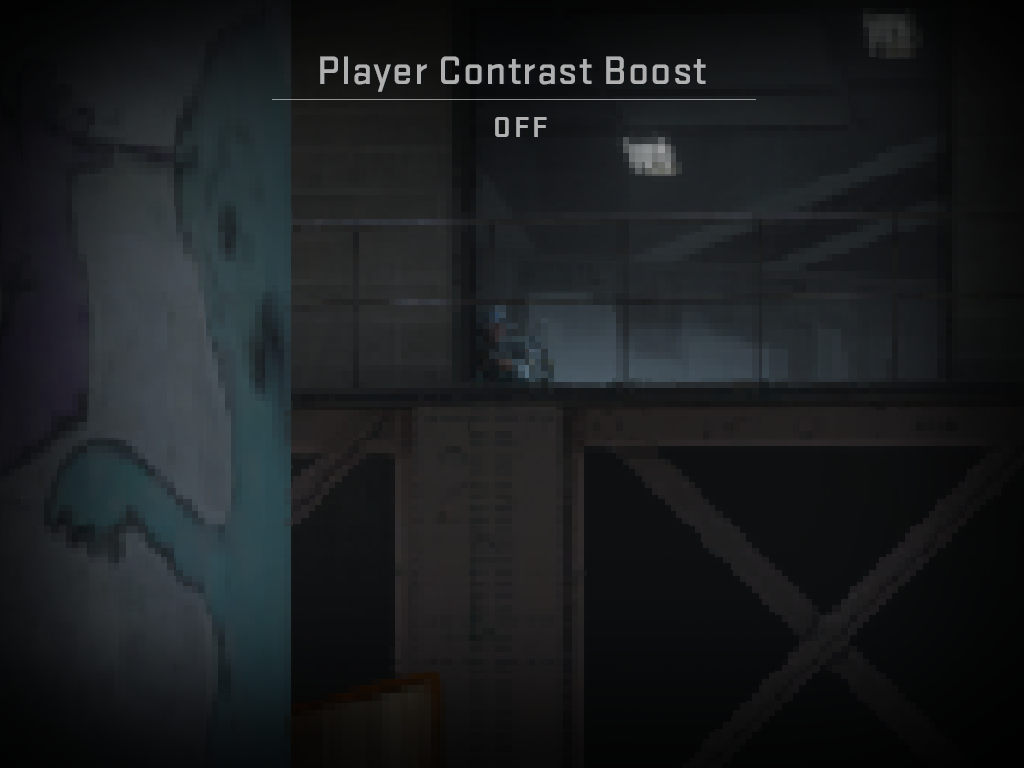
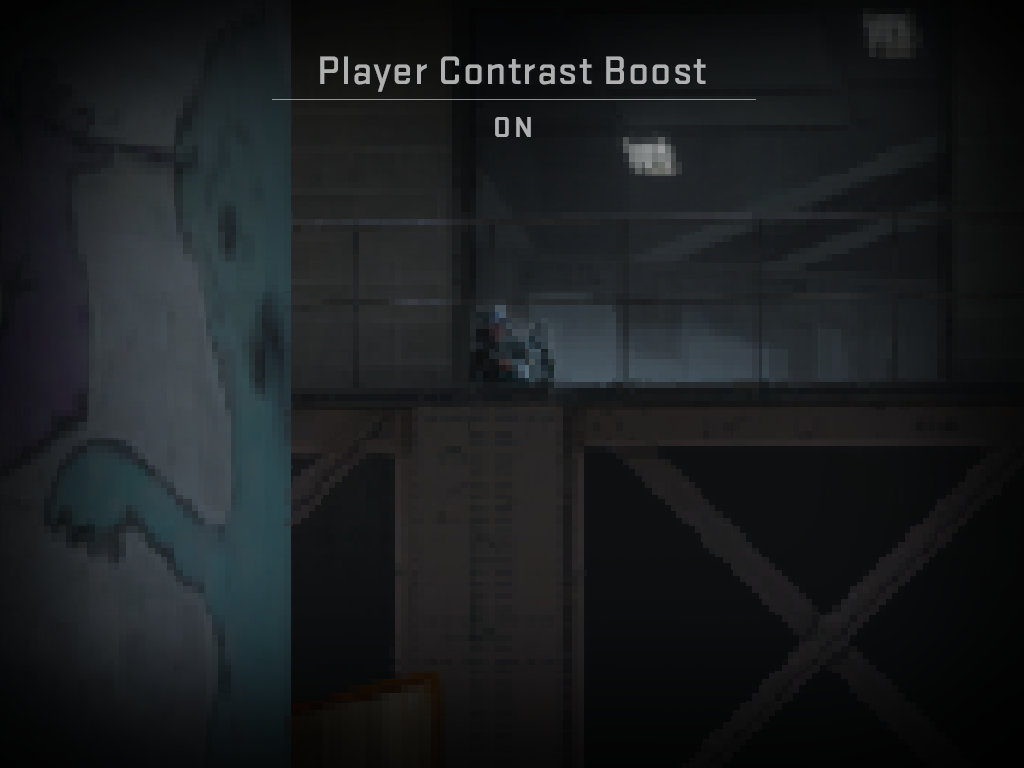
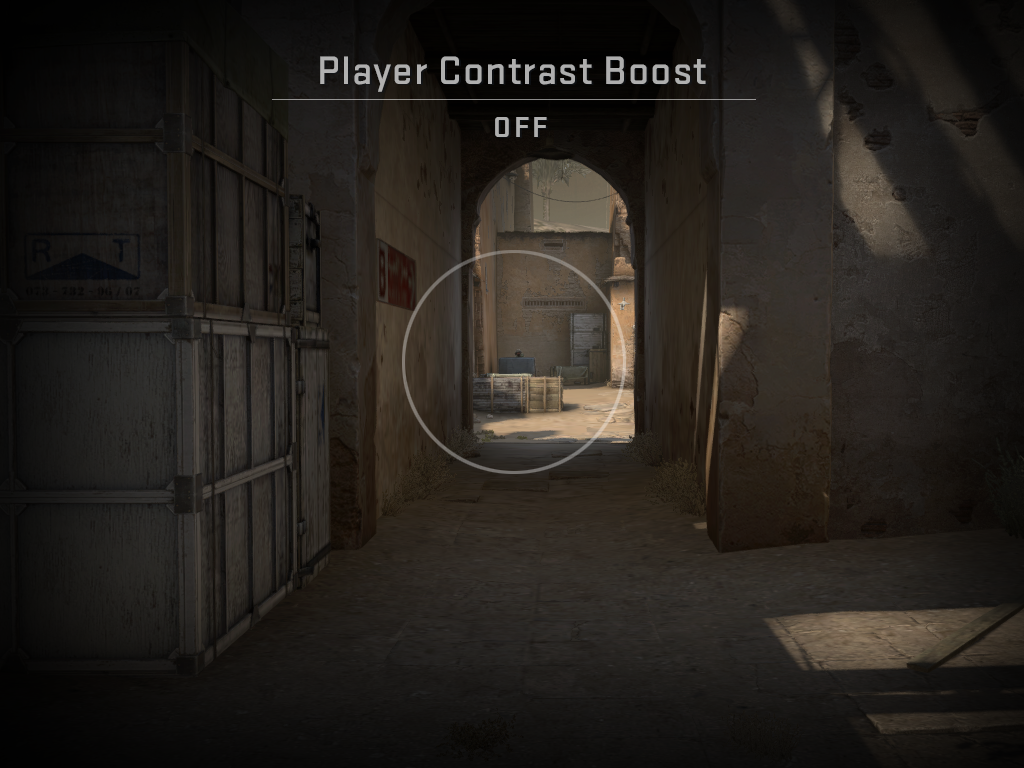
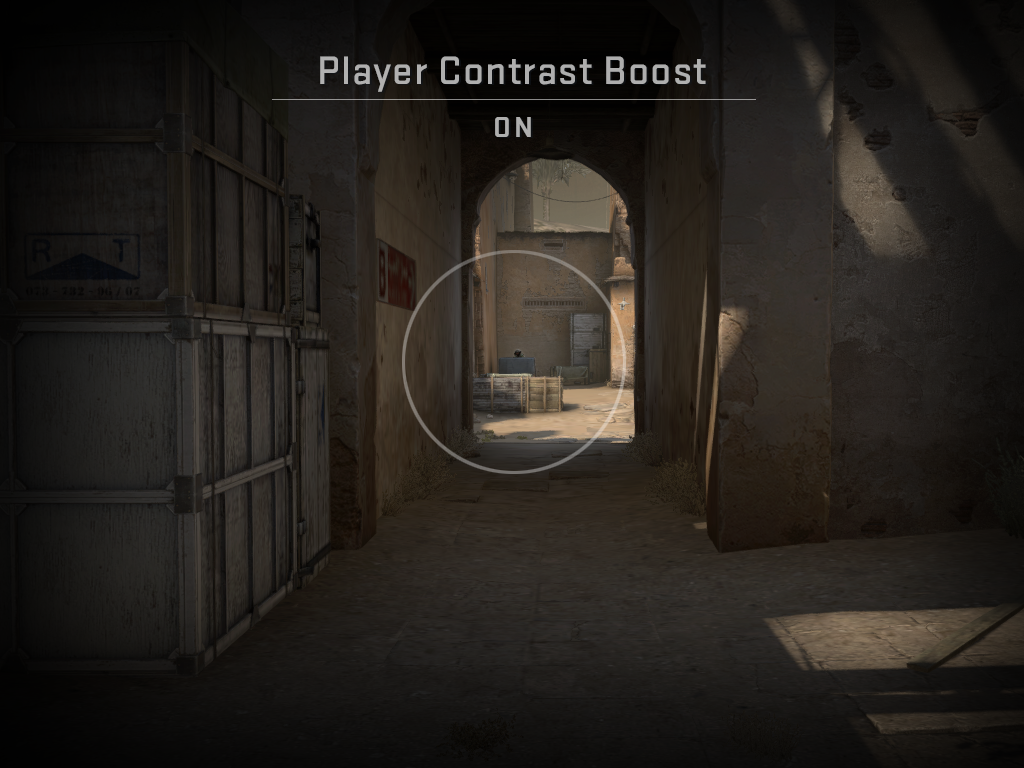
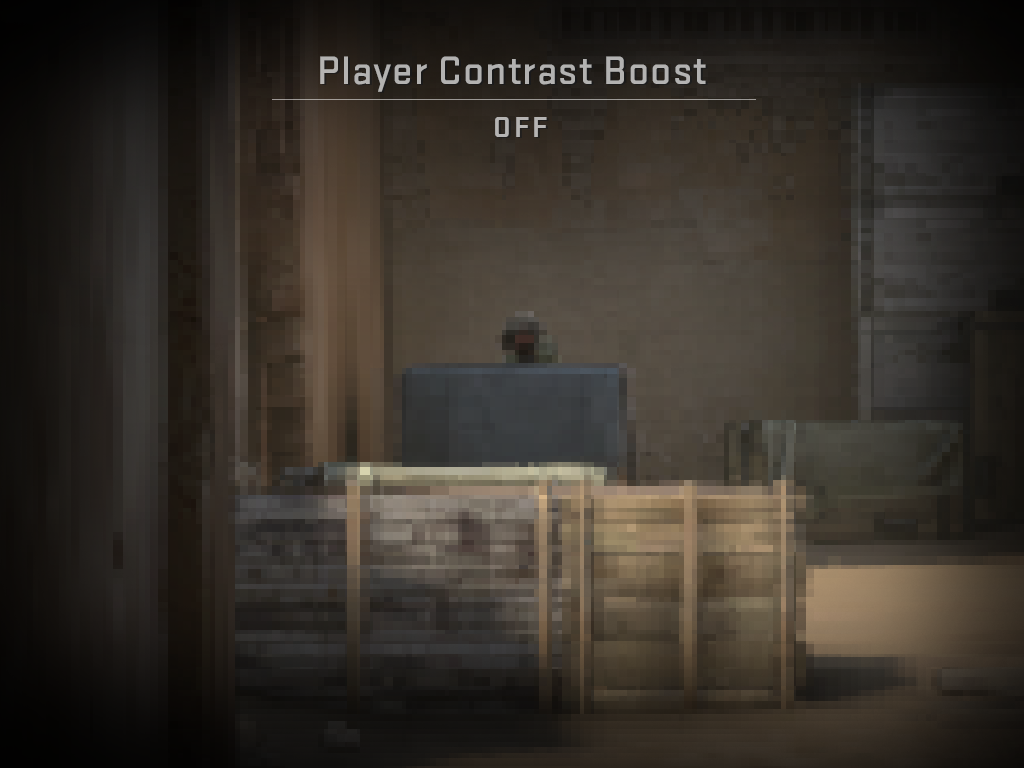
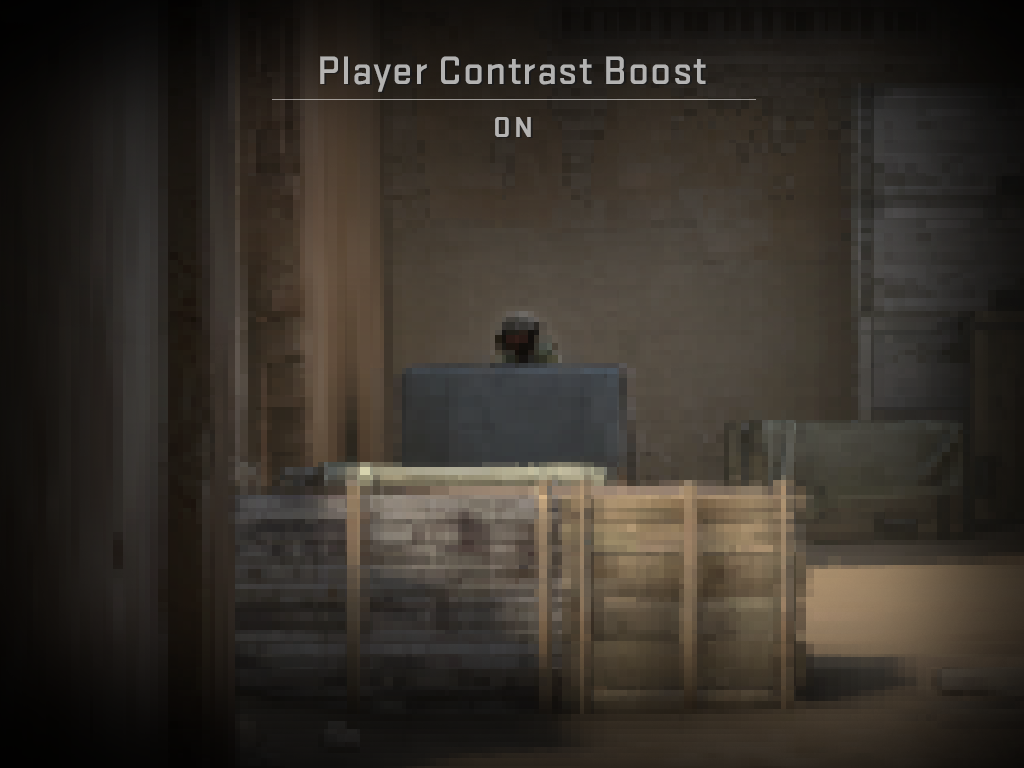
To improve character read across all maps and locations, we’ve added a new graphics setting called ‘Boost Player Contrast’ which is enabled by default. It’s a special post process filter that applies to stationary characters, creating local contrast so that characters stand out from the background.
This is now enabled by default and you can find the new setting in Video->Advanced Video->‘Boost Player Contrast’.
Here’s what it does:
— Increases the character’s contrast against the background at far distances.
— Strengthens edge pixels for characters at far distances.
— Creates a small blur around a character to reduce background noise.
— Creates a small contrasting halo around a character when there is no color difference between the character and the environment.
In addition to the changes above, we modified the textures of some character models (and custom-authored the coarse mipmap levels in some cases), and adjusted fog.
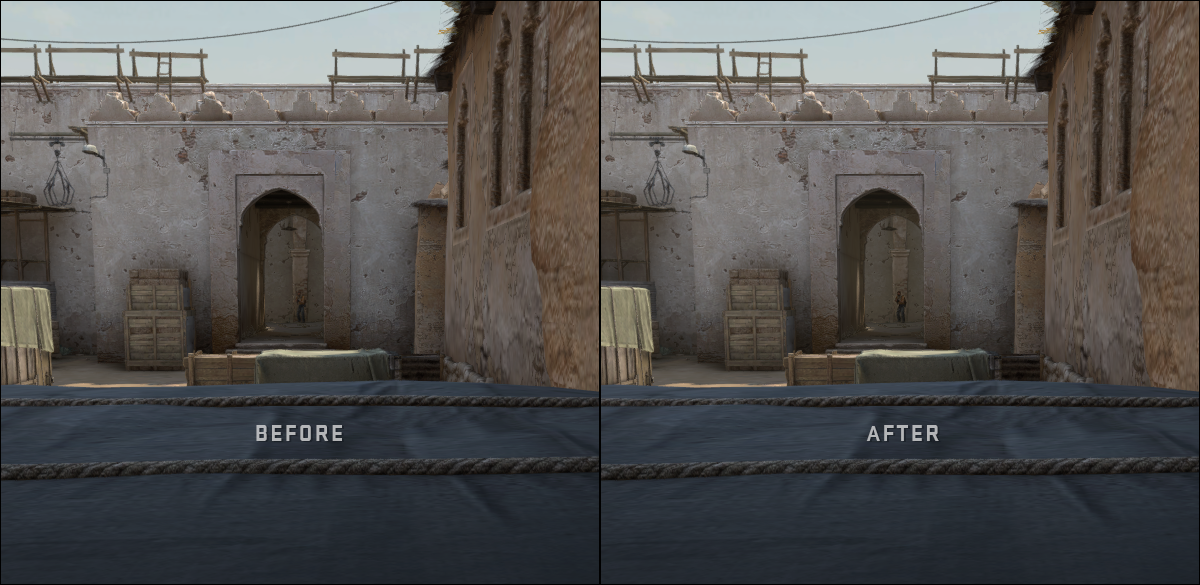
In CS:GO, fog is applied separately to characters and the rest of the world. To help characters stand out from the background at longer distances, we’ve decreased the fogging on characters across all maps (and slightly increased the world fog in Dust 2).

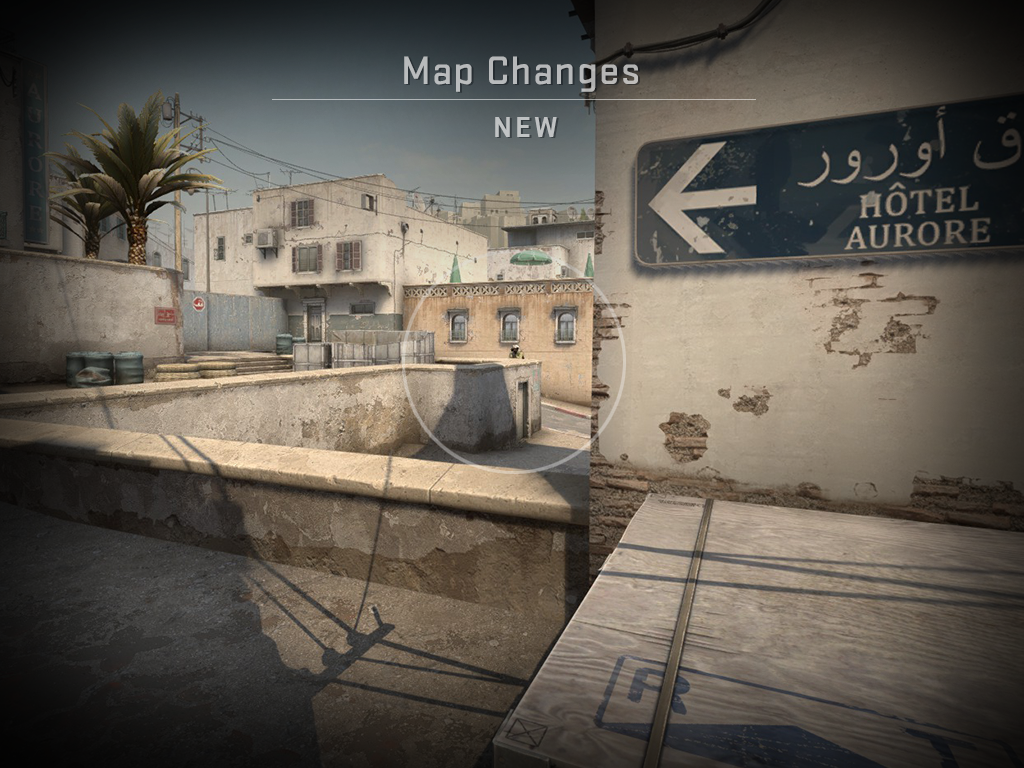
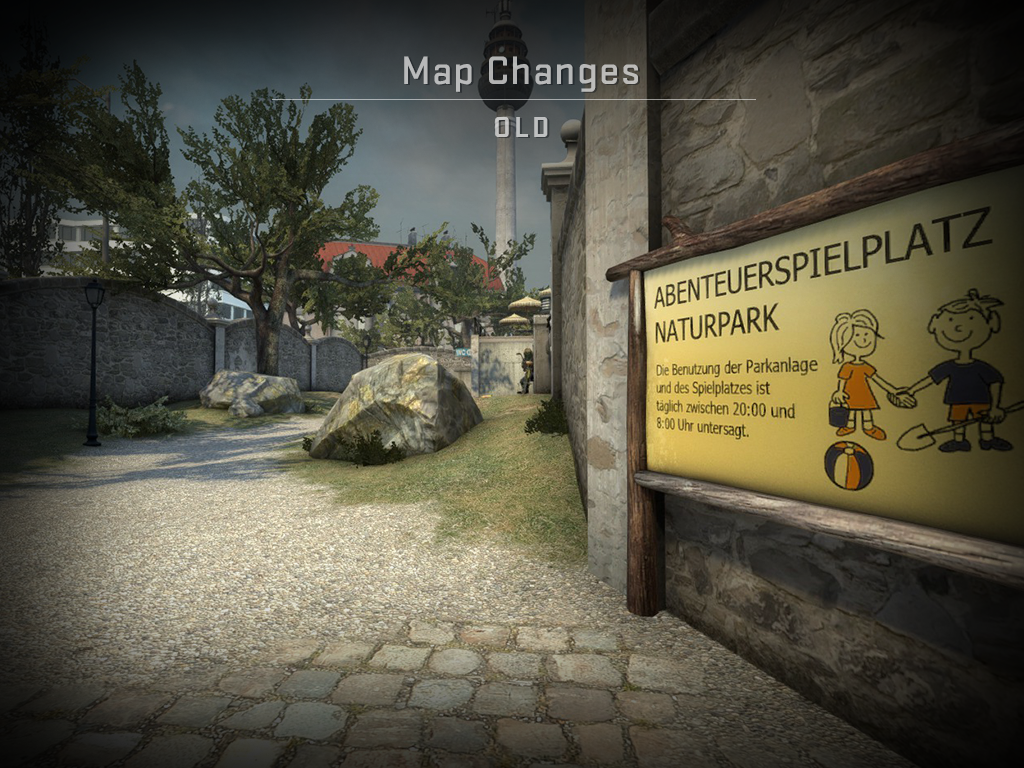
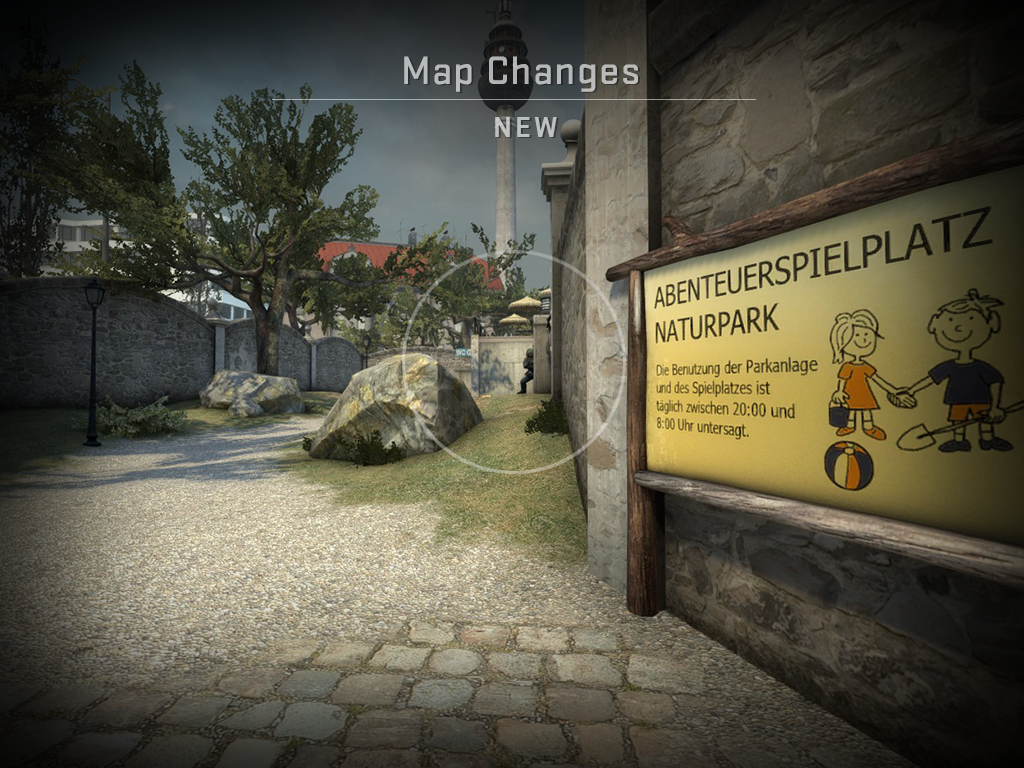
Map changes
In addition to the ‘Boost Player Contrast’ setting, we’re continuing to improve visibility by changing specific areas of maps.

A Closer Read
Jump into a server and see how the characters look!
Today’s update should improve character read in most cases, but we know that there’s more to be done. If you identify specific situations where you think the new tools aren’t helping you, please contact us at CSGOTeamFeedback@valvesoftware.com using the subject line “Agent Read”. Include an explanation of what happened and a link to a screenshot.


